This is a plugin to AutoCAD working from command line and provided with a simple MSI installer. The instrument is based on WPF technologies. Plugin can run two commands: MARKROADAXIS and MARKROADTURNANGLE.
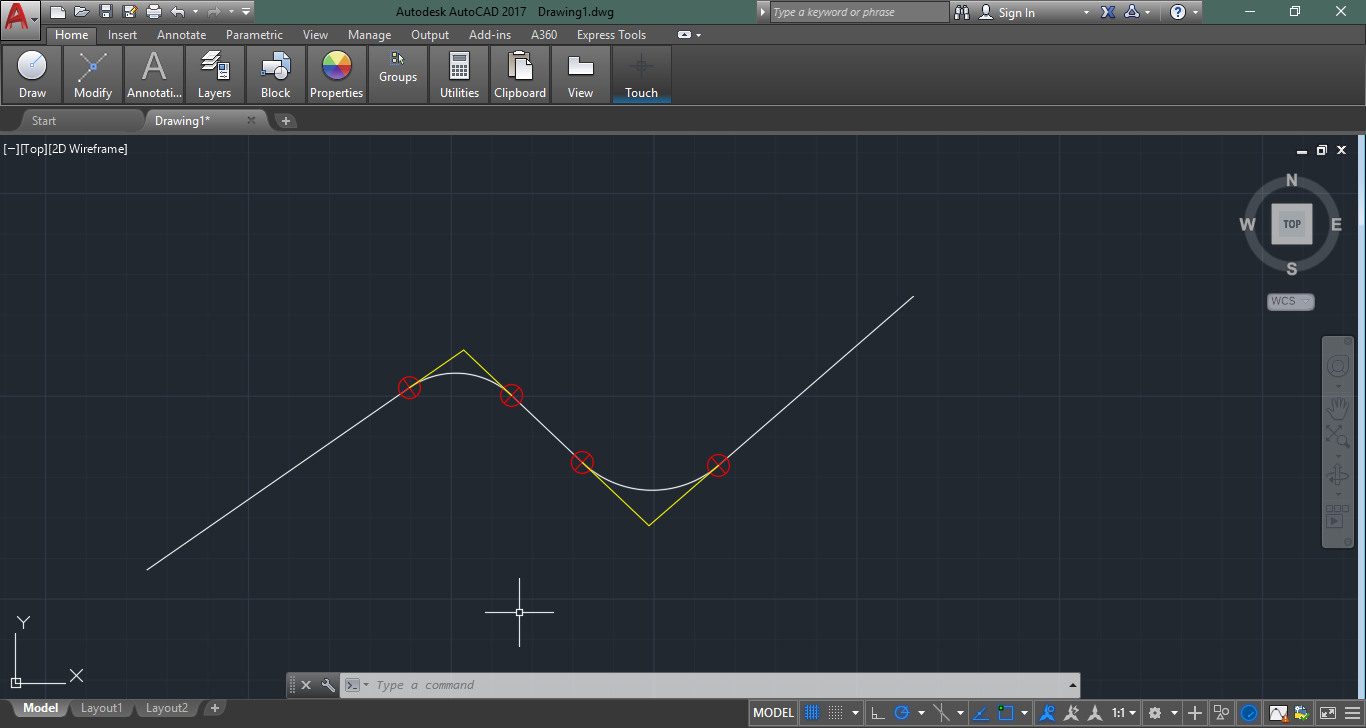
MARKROADAXIS_SUPPORTTOOLS – command that allows to make custom mark for contact points of a line and a curve on polyline.
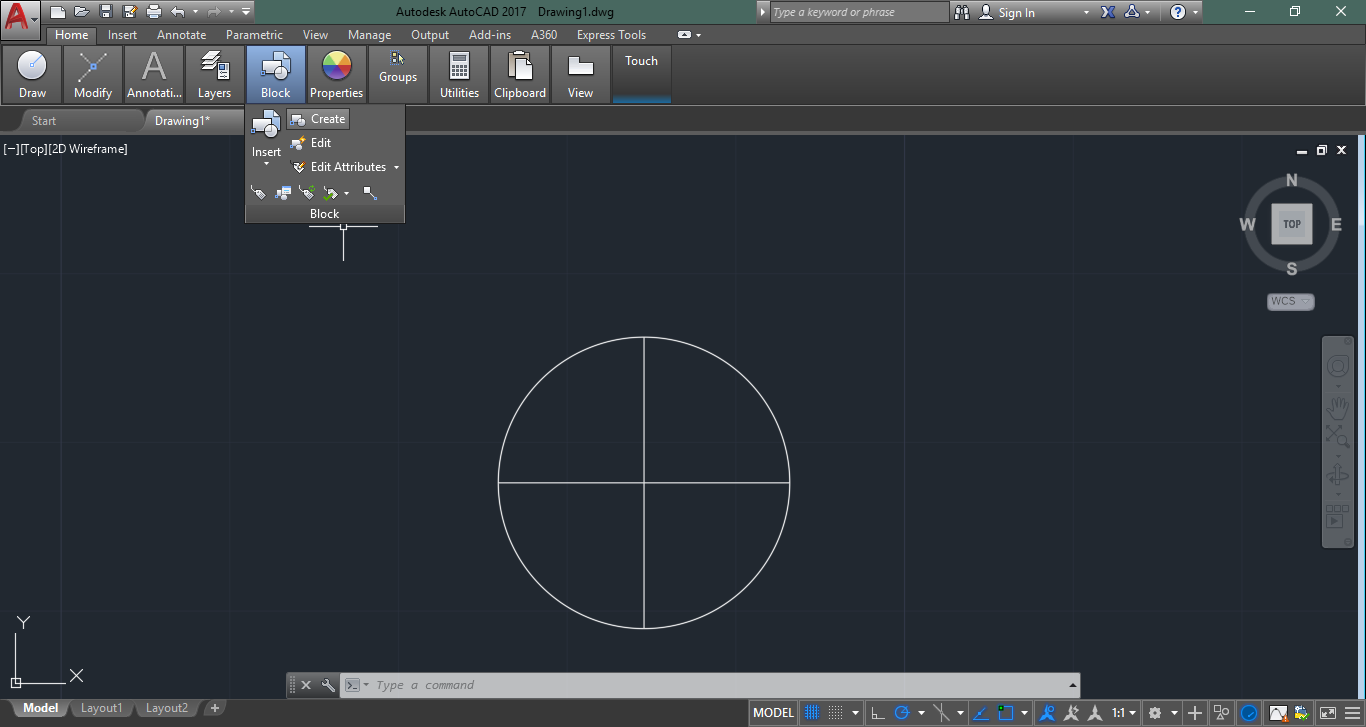
Create a block, to specify contact points:
 |
 |
 |
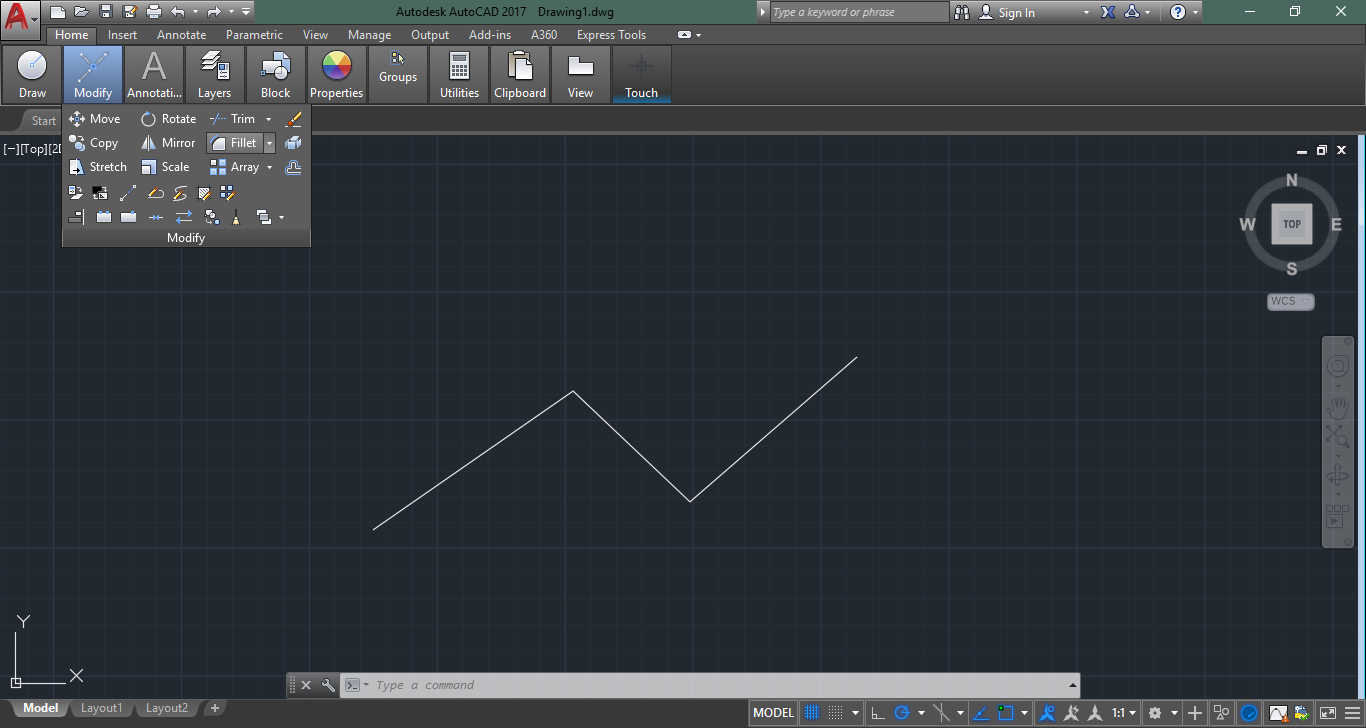
Make a polyline object:

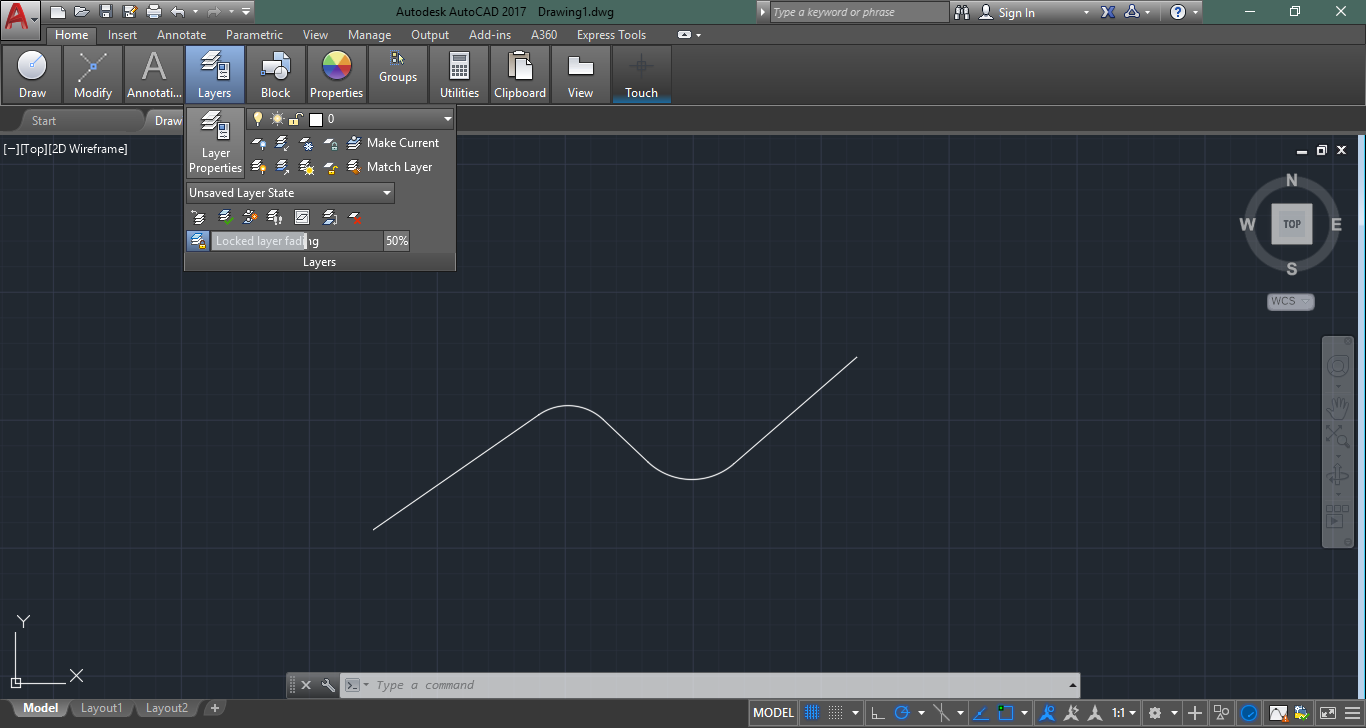
Create fillets on angles:
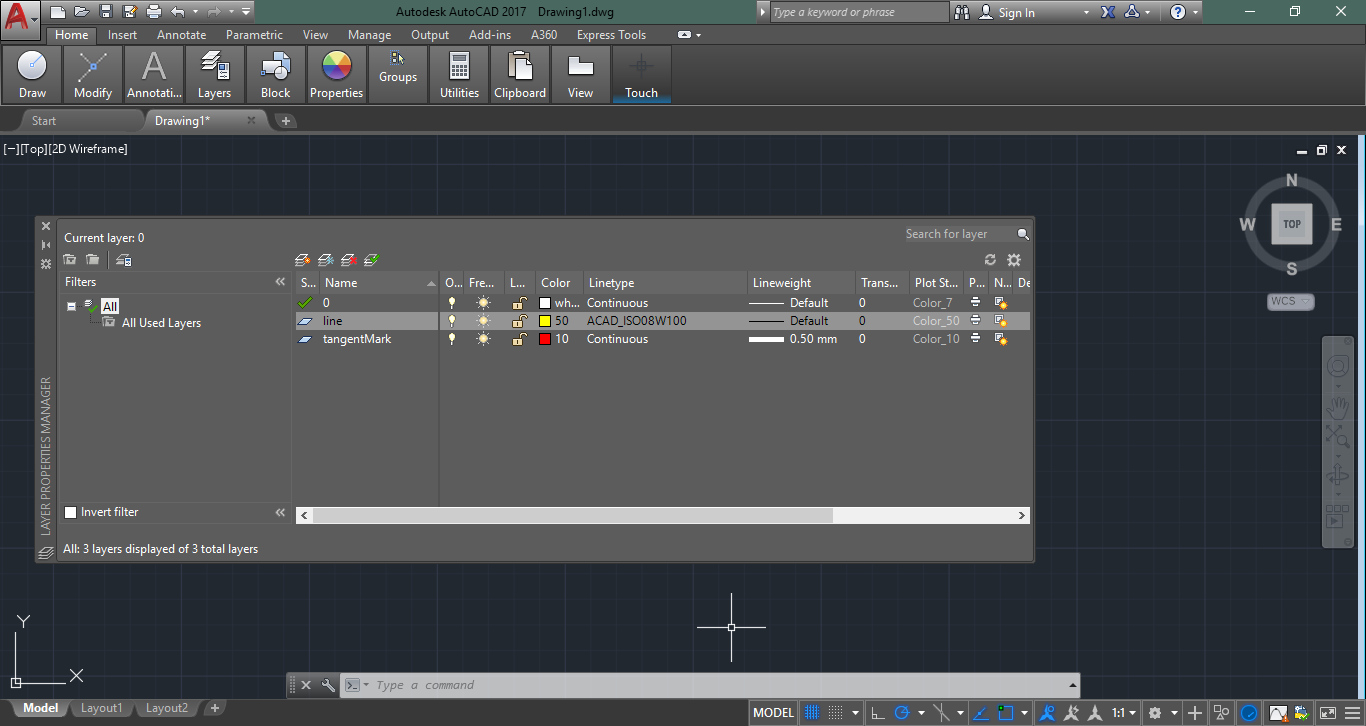
Make layers for tangent marks and fillet extension lines:
 |
 |
Enter plugin MARKROADAXIS_SUPPORTTOOLS command from AutoCAD console:
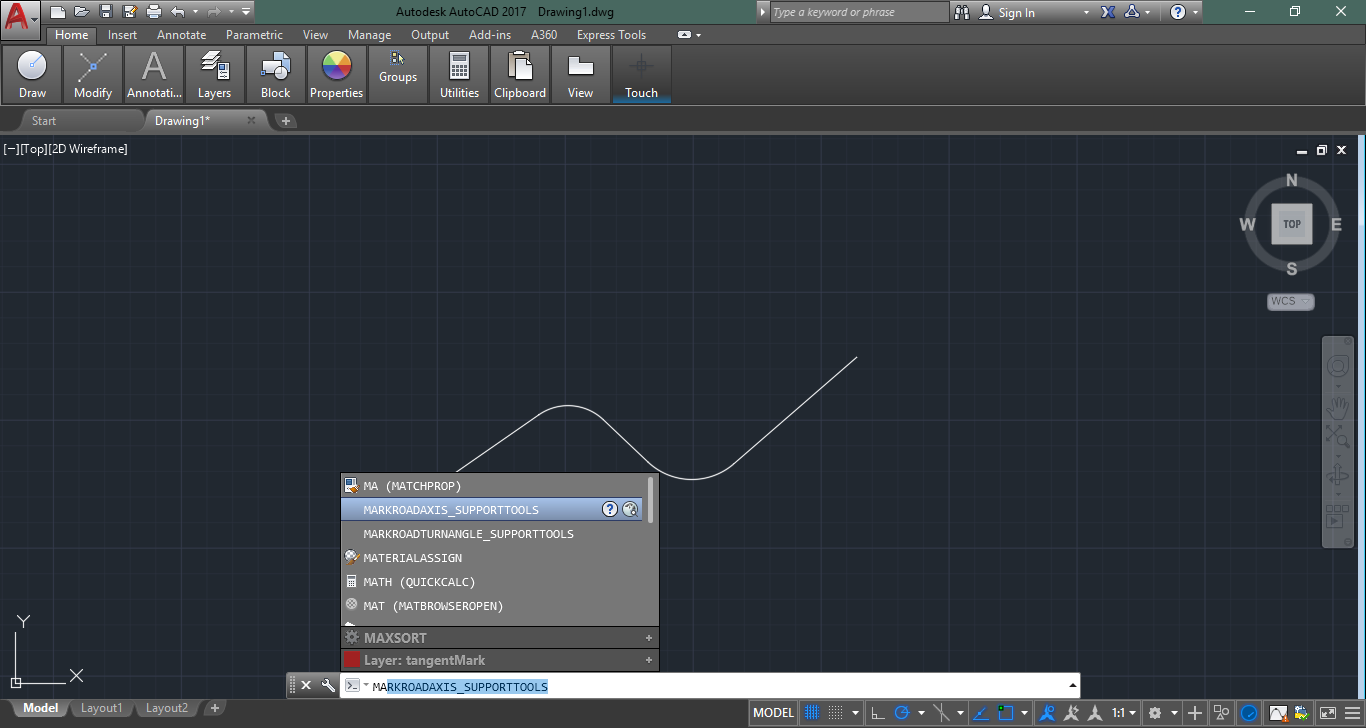
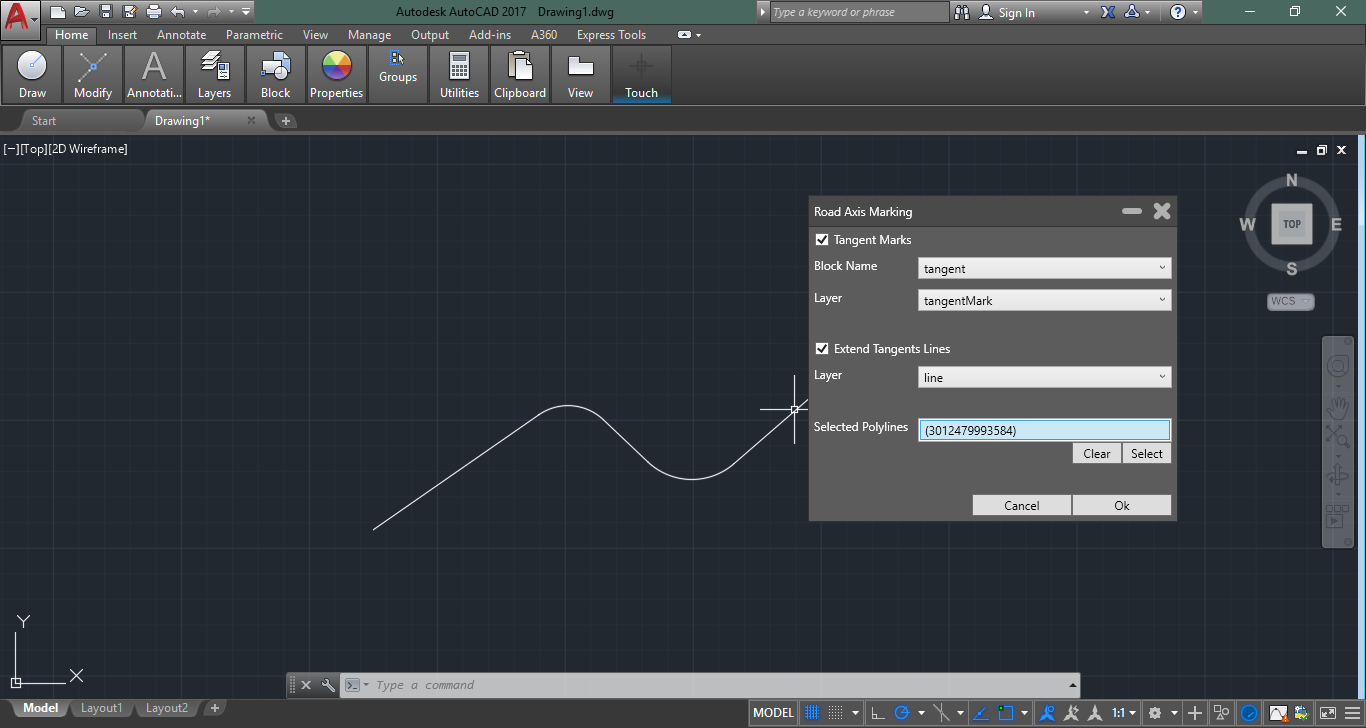
Select polylines to make tangent marks:

Then you can specify command settings (enable tangent marks, set block and layer for them, enable extend tangent lines and lines layer):
Now you have a result:
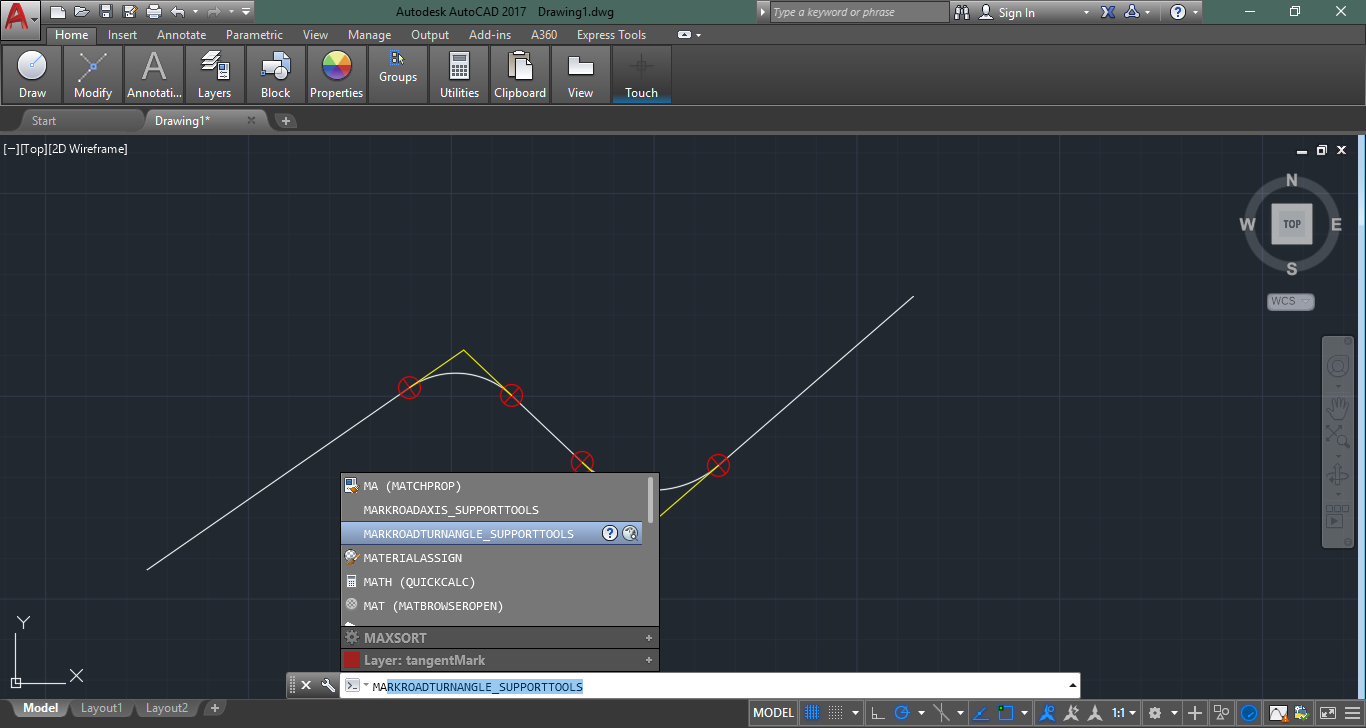
The second plugin command helps to create fillet angle designation.
Enter command name (MARKROADTURNANGLE_SUPPORTTOOLS):
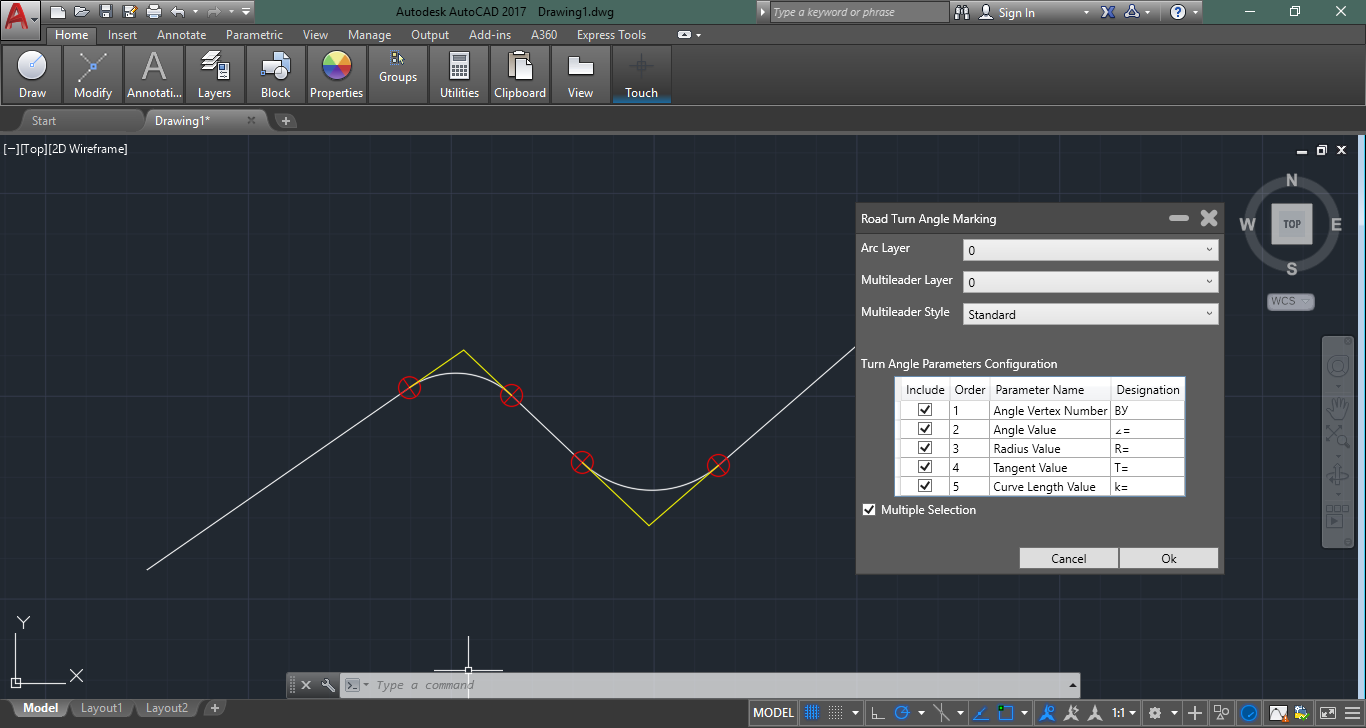
Specify command settings (you can change designation layer and designation symbols):
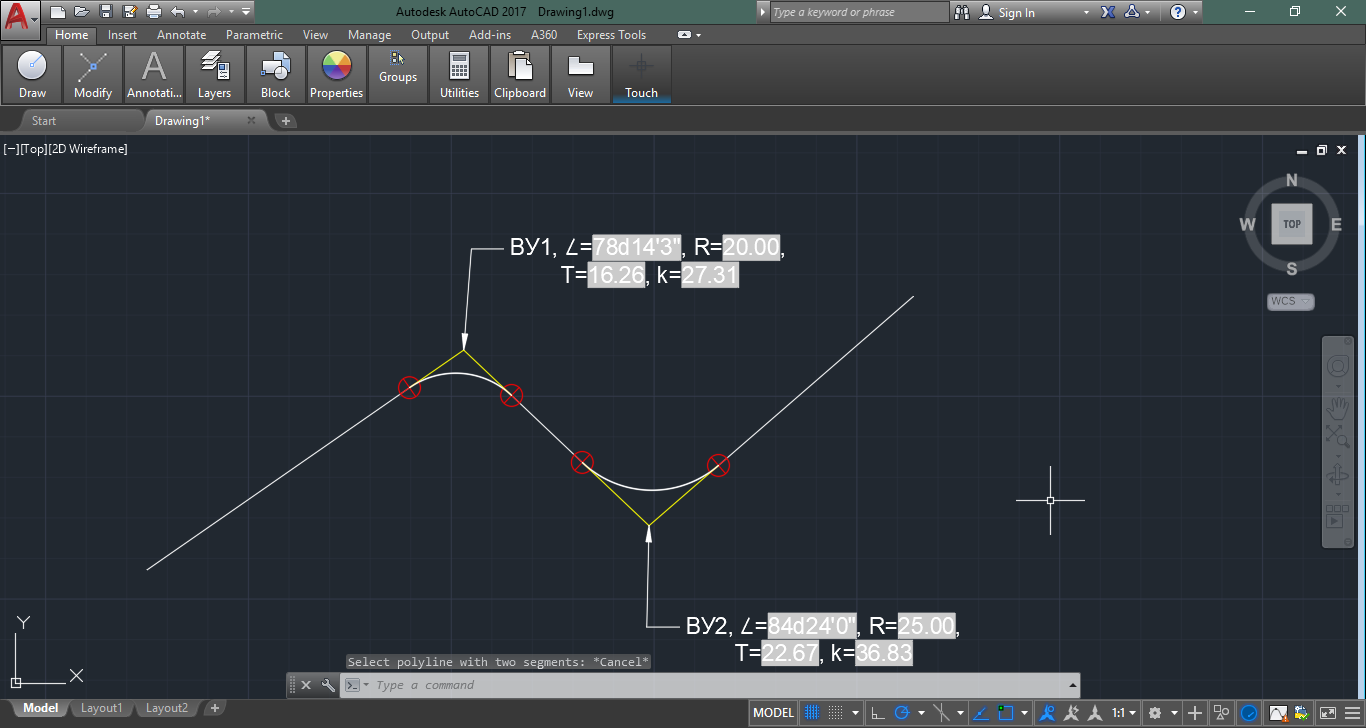
Achieve a result:
You can use this plugin in AutoCAD 2017 – 2019.
Languages: C#
______________________________
“There are two ways to write error-free programs; only the third one works.”

